Confused by all the font files in your download? Here's what each format does, when to use it, and which one you can safely ignore.
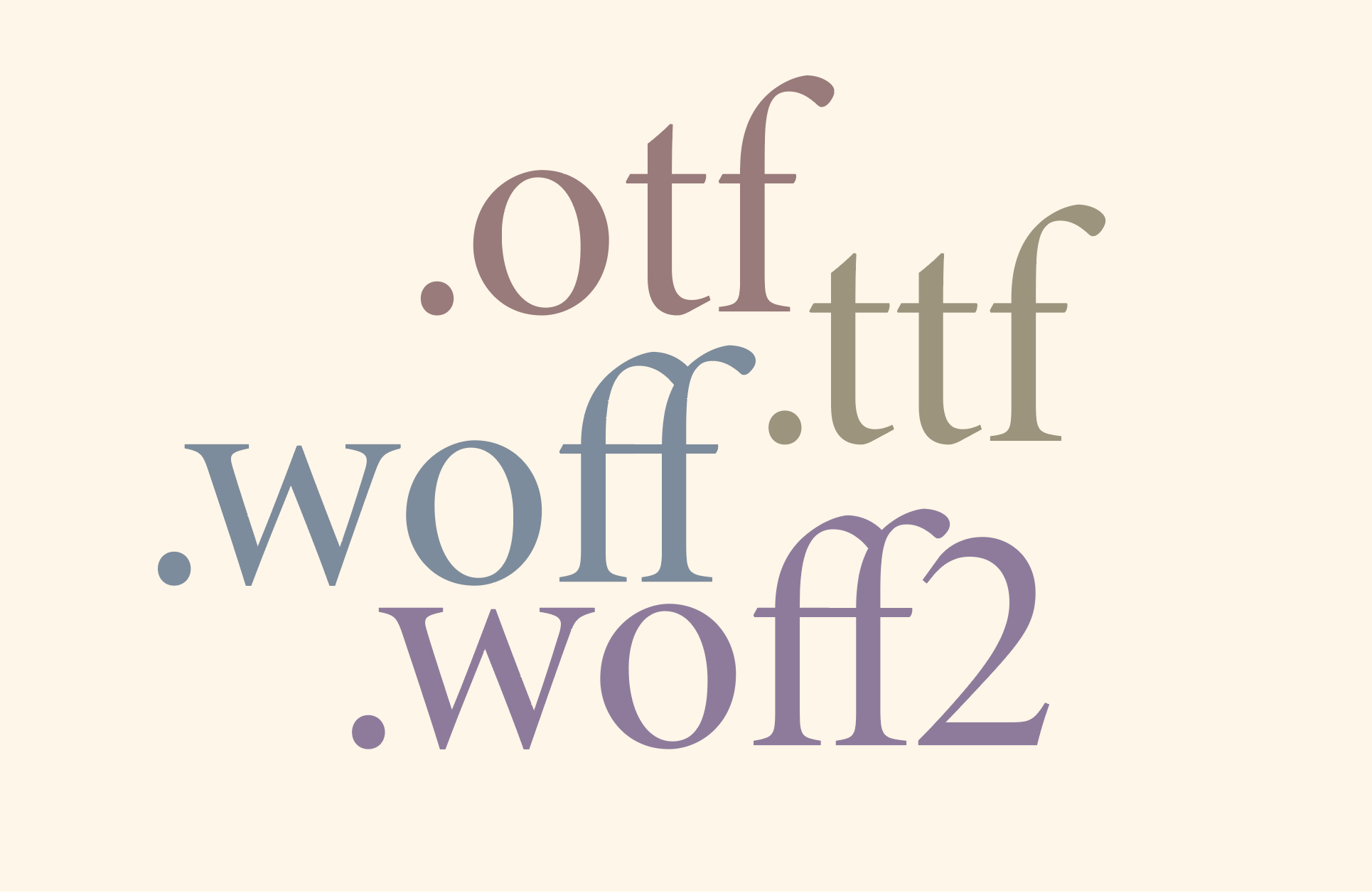
You unzip your font... and suddenly there are four different file types.
You finally found the perfect typeface, completed your purchase, and downloaded the ZIP file.
Inside, you see a collection of files with unfamiliar extensions:
.otf
.ttf
.woff
.woff2
If you're wondering which one you're supposed to install, you're not alone.
This is one of the most common questions we hear from customers. Fortunately, the answer is much simpler than it appears.
Each format has a different purpose, and once you know what it's designed for, choosing the right one becomes easy.
The Short Answer
If you're in a hurry, here's the version most people need.
| If you're using... | Recommended format |
|---|---|
| Adobe Illustrator | OTF |
| Adobe Photoshop | OTF |
| Adobe Indesign | OTF |
| Microsoft Word | TTF or OTF |
| Canva | OTF (uploaded through Brand Kit, where supported) |
| Shopify | WOFF2 |
| Squarespace | WOFF2 |
| Webflow | WOFF2 |
| Custom websites | WOFF2 |
For most designers, OTF is the file you'll install on your computer.
For websites, WOFF2 is almost always the best choice.
What Is an OTF File?
OTF stands for OpenType Font.
It's the modern standard for desktop design and the format we recommend whenever it's available.
OpenType fonts can include advanced typographic features such as:
Standard ligatures
Stylistic alternates
Swashes
Small caps
Oldstyle figures
Contextual alternates
Stylistic sets
These features allow type designers to build richer, more expressive fonts without requiring separate font files.
If you primarily work in Adobe Illustrator, Photoshop, or InDesign, installing the OTF version is usually the best option.
Best for
Branding
Editorial design
Packaging
Print
Logo design
Creative work in Adobe applications
What Is a TTF File?
TTF stands for TrueType Font.
It predates OpenType and has been around since the early days of digital typography.
Today, the visual quality of TTF and OTF is essentially identical. The main difference is feature support.
While many TrueType fonts work perfectly well, OpenType generally offers greater flexibility for advanced typography.
Some older software and operating systems still prefer TTF, which is why many foundries include both formats.
Best for
Legacy software
Older operating systems
Applications with limited OpenType support
What Is a WOFF File?
WOFF stands for Web Open Font Format.
Unlike OTF and TTF, WOFF isn't meant to be installed on your computer.
Instead, it's designed specifically for websites.
Browsers load WOFF files more efficiently, helping pages render custom typography without downloading unnecessary font data.
If you're building a website, this is the type of file you'll upload to your server rather than install.
Best for
Websites
Custom CSS
Self-hosted webfonts
What Is WOFF2?
Think of WOFF2 as the modern evolution of WOFF.
It offers better compression, resulting in smaller file sizes and faster page loads without sacrificing quality.
Today, WOFF2 is widely supported across modern browsers and has become the preferred format for most websites.
If your website platform accepts WOFF2, that's almost always the version you should use.
Best for
Shopify
Squarespace
Webflow
WordPress
Modern browsers
Which File Should You Install?
A simple rule of thumb:
You're creating designs
→ Install OTF
Whether you're designing a logo, laying out a magazine, or creating social media graphics, OTF gives you the best typographic experience.
You're building a website
→ Upload WOFF2
Webfonts are optimized for browsers and licensed separately by many foundries.
You're using older software
→ Try TTF
If your application doesn't fully support OpenType features, the TTF version may provide better compatibility.
Common Mistakes
Installing WOFF Like a Desktop Font
This happens more often than you might think.
WOFF and WOFF2 aren't designed to be installed like desktop fonts.
If you double-click one and nothing useful happens, that's expected.
Use the OTF or TTF version instead.
Uploading an OTF File to Your Website
Technically, some platforms may allow it.
That doesn't mean it's the best choice.
WOFF2 loads faster, is optimized for browsers, and is the format most web platforms recommend.
Deleting the Other Files
After installing OTF, it's tempting to remove everything else.
We recommend keeping the original download folder.
You may need the webfont files later if you redesign your website or move to a new platform.
Storage is inexpensive. Re-downloading files months later is far more inconvenient.
Installing Both OTF and TTF
There's usually no need to install both.
Doing so can occasionally create duplicate font entries or confusion when selecting fonts inside design software.
Choose one format and stick with it.
For most people, that's OTF.
Frequently Asked Questions
Which font format has the best quality?
All four formats can display beautifully.
The difference isn't visual quality, but intended use.
Should I install OTF or TTF?
If your software supports OpenType, choose OTF.
Can I install WOFF?
No.
WOFF and WOFF2 are webfont formats intended for browsers, not desktop operating systems.
Why are there so many files in my download?
Each format serves a different purpose.
Rather than creating separate downloads for desktop and web, many foundries include everything together for convenience.
Does OTF include ligatures and stylistic alternates?
Usually, yes.
Many OpenType fonts support advanced typographic features such as ligatures, stylistic alternates, swashes, and small caps.
The exact features depend on the typeface itself, so it's always worth checking the product page or glyph overview.
Do I need a separate license for websites?
Many foundries, including Harmonais Visual, offer separate desktop and webfont licenses because desktop installation and website embedding are different types of usage.
Always check the license that comes with your purchase before uploading fonts to a website.
Final Thoughts
At first glance, font downloads can feel more technical than they need to be.
But once you understand the purpose of each format, the decision becomes straightforward:
OTF for design work.
TTF for older software.
WOFF for websites.
WOFF2 for modern websites.
Choose the format that matches your project, keep the original download somewhere safe, and you'll be ready for almost any workflow.
Typography should feel inspiring, not confusing.
Hopefully, the next time you unzip a font package, you'll know exactly which file to reach for.
Need a hand?
If you're using a Harmonais Visual font and still can't get your ligatures working, feel free to get in touch. We'd be happy to help troubleshoot. In most cases, the fix takes less than five minutes.